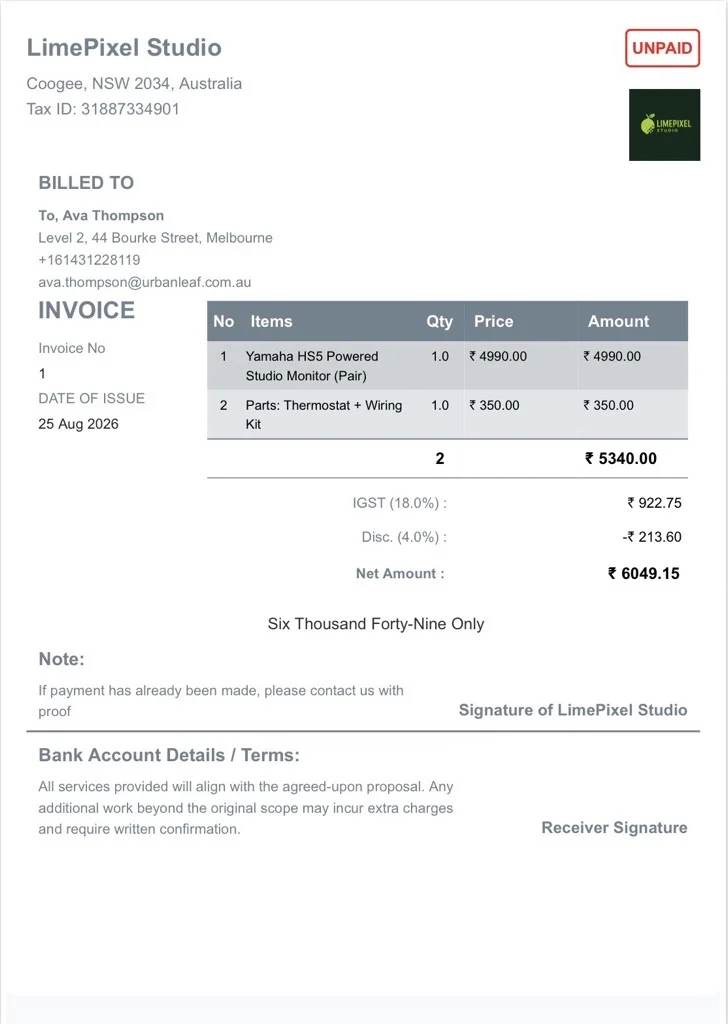
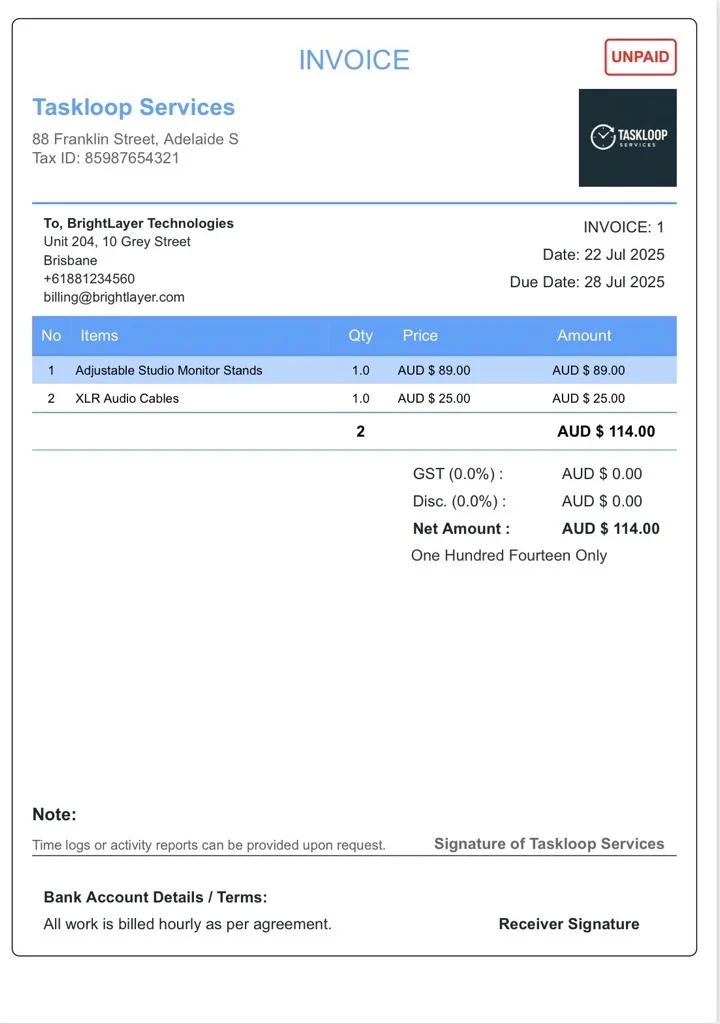
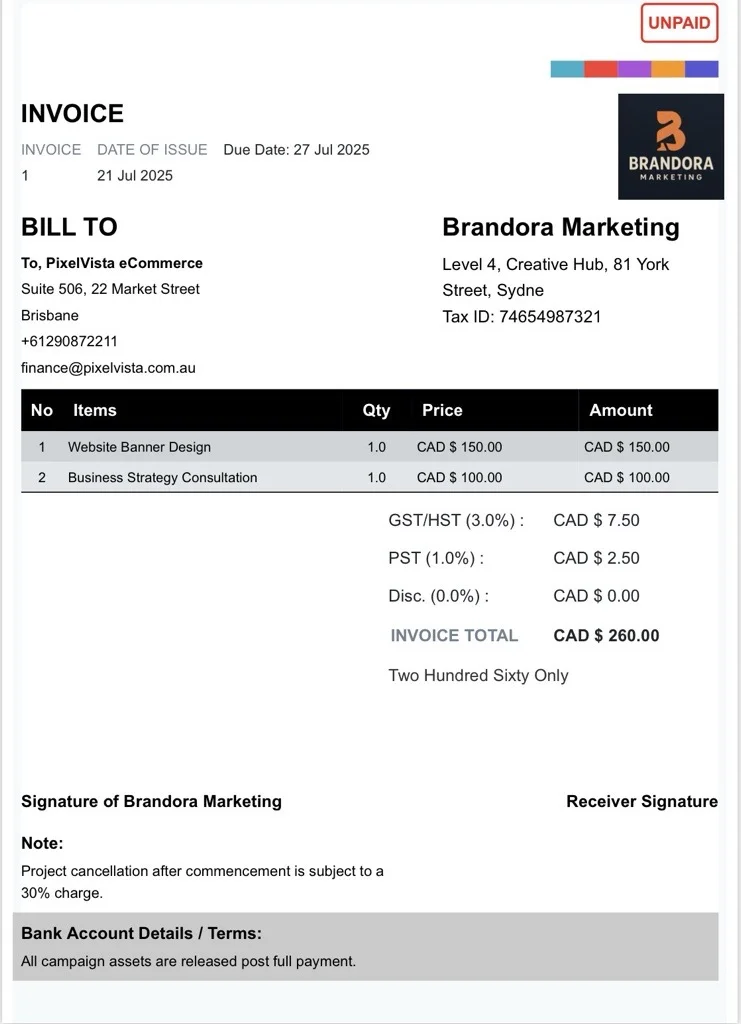
Do you keep losing time chasing clients for payment because they can’t find your account details? Our Free Bank Details Invoice Template solves that by putting your account number, IFSC/SWIFT code, bank name, and account holder name right on the invoice, so clients can pay you by bank transfer without a single follow-up email. It’s built for freelancers, consultants, and small businesses who get paid mostly by direct transfer, whether the client is down the street or overseas.
Invoice Template With Bank Details
Adding your bank details directly to the invoice removes the most common reason payments get delayed: the client simply doesn’t have your account information handy when they sit down to pay. This template gives you a dedicated section for account number, IFSC or SWIFT/BIC code, bank name and branch, and account holder name, alongside the usual invoice fields like client details, itemized services, and totals. It works equally well for domestic bank transfers and international wires, so you’re not maintaining two different invoice formats depending on where a client is based.
Create a Free Bank Details Invoice Template
Getting started takes a couple of minutes. Add your logo and business details, fill in the client’s information and what you’re billing for, then enter your bank details once — the template keeps them ready for every future invoice. You can download the finished invoice as a PDF, email it directly, or share it over WhatsApp. Because the payment instructions are already on the document, clients have everything they need to pay you in one place, and you spend less time answering “where do I send this?”