


Recurring Invoices That Bill Themselves
Set a billing cycle once weekly, monthly, or custom and BillNama generates, sends, and tracks every invoice automatically. Built for subscriptions, retainers, and memberships that bill the same client again and again.
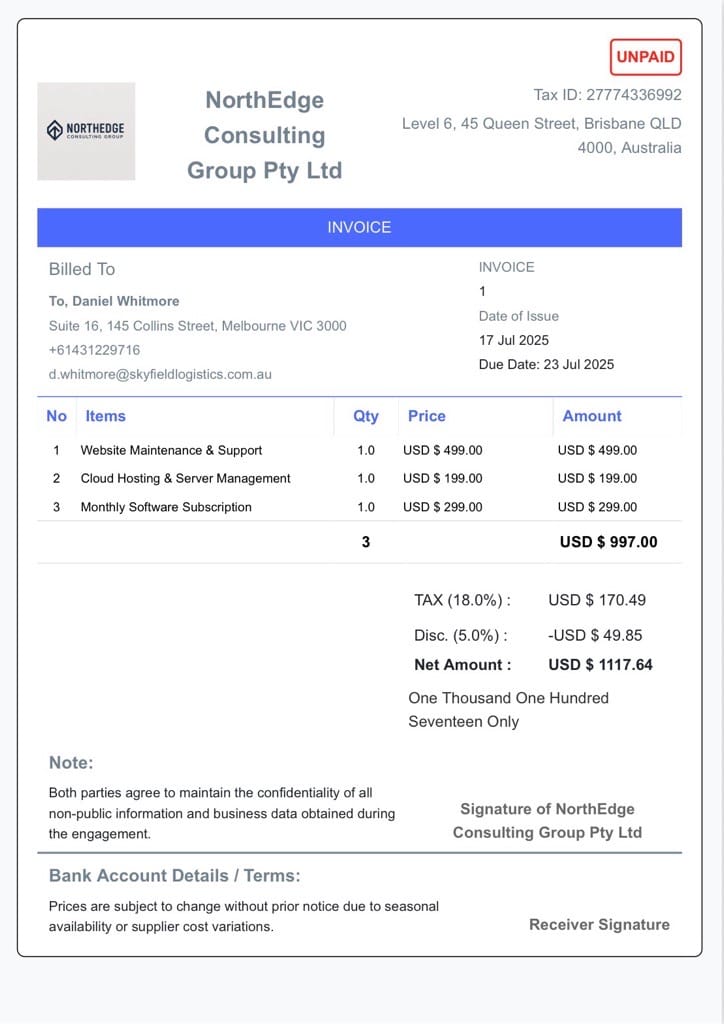
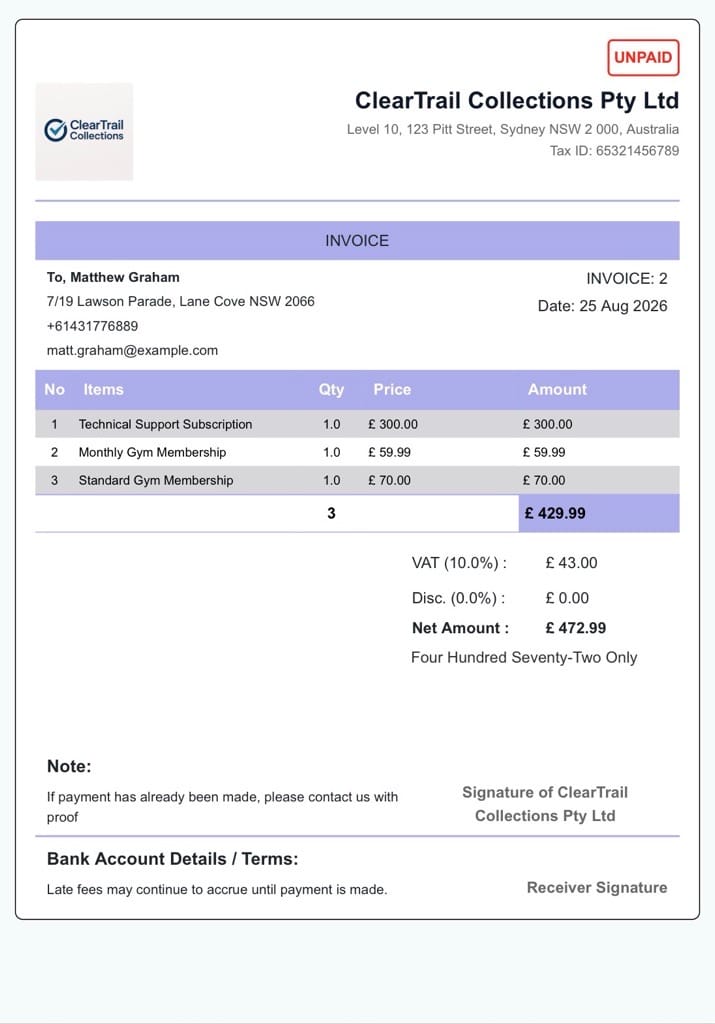
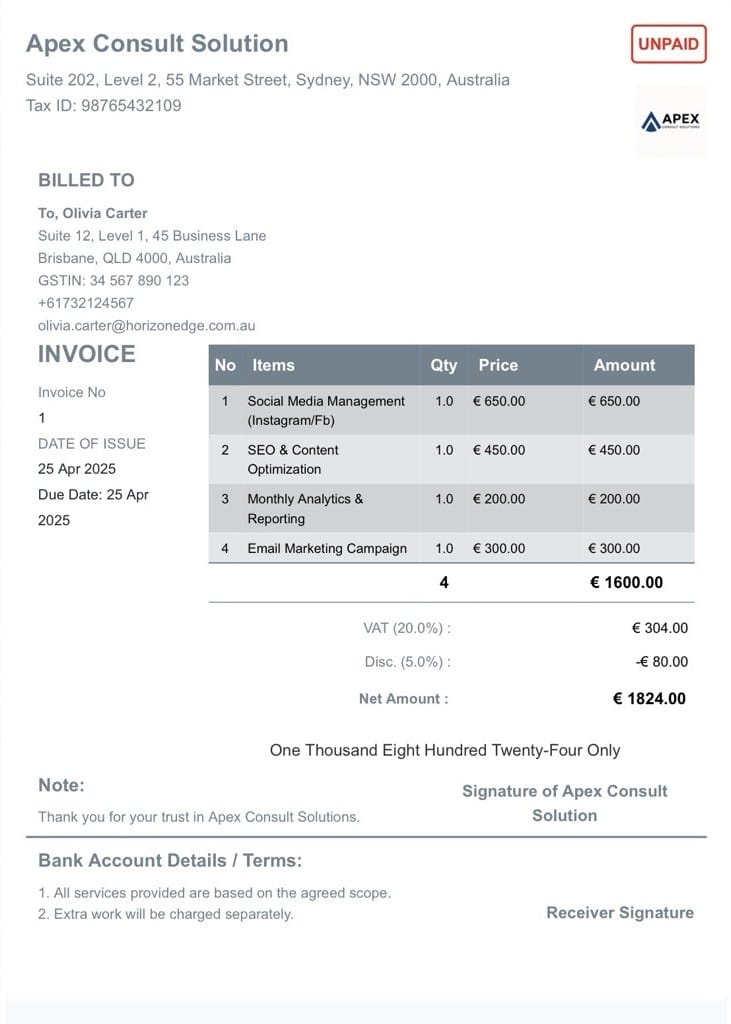
40,000+Businesses billing
92,000+Invoices generated
150+Countries served
4.6/5App Store rating
What Are Recurring Invoices?
A recurring invoice is an invoice that’s automatically generated and sent on a repeating schedule, instead of being created by hand each time. BillNama lets you set the interval — weekly, monthly, or a custom cycle — once, then handles tax, totals, and delivery on every billing date without you opening the app.
Recurring vs. one-time invoices: a one-time invoice is created and sent once for a specific job. A recurring invoice repeats the same billing details on a schedule — ideal for subscriptions, retainers, and memberships where the amount and client stay the same each cycle.
Everything Recurring Billing Needs
Set it up once, and BillNama handles the repeat work — tax, currency, delivery, and payment tracking on every cycle.
Flexible Billing Intervals
Bill weekly, monthly, quarterly, or on a custom schedule that matches how your client actually pays.
Auto-Generate & Auto-Send
Every invoice is created and delivered on schedule — no manual step, no missed billing date.
Tax Calculated Every Cycle
GST, VAT, or Sales Tax is applied correctly and automatically on every recurring invoice, not just the first one.
Online Payment Collection
Clients pay each recurring invoice directly from a payment link — no manual follow-up needed.
Editable Anytime
Update the amount, line items, or client details, and the change applies from the next billing cycle on.
Pause, Skip, or Cancel
Put a schedule on hold or stop it entirely whenever a client relationship changes — no data lost.
Recurring Billing in 3 Steps
1
Set the Schedule
Choose the client, the amount, and how often to bill — weekly, monthly, or custom.
2
BillNama Bills Automatically
Each invoice generates and sends itself on the billing date, tax and totals included.
3
Track Every Cycle
See what’s been paid, what’s pending, and what’s coming up next, all in one place.
Built for Businesses That Bill on Repeat
Subscription Businesses
Bill the same amount to the same clients every cycle without lifting a finger.
Agencies & Consultants
Automate monthly retainers so payment never depends on remembering to invoice.
Gyms & Membership Businesses
Charge recurring membership fees on the same date every month, automatically.
Service Providers
Run maintenance contracts, hosting fees, or ongoing service plans on autopilot.
More Than Recurring Billing — Run Your Whole Billing Cycle
Recurring Invoices connects directly to the rest of BillNama, so every automated invoice still lives under the same customer record as your one-off billing.
Invoicing & BillingCreate and send one-off invoices too
Quotations & EstimatesQuote before you set up a recurring plan
Proforma InvoicesConfirm an order before you bill it
ExpensesTrack costs against recurring contracts
Customer LedgerSee every client’s full balance & history
Reports & EarningsTrack recurring revenue over time
Multi-Currency InvoicesBill recurring international clients correctly
Invoice SignaturesGet sign-off on recurring contracts
Send Invoice on WhatsAppDeliver recurring invoices where clients reply
US Sales Tax InvoicesState-correct tax on every cycle
VAT InvoiceUK, EU & Gulf VAT on recurring bills
GST InvoicesCGST/SGST/IGST handled every cycle
Quotations & EstimatesQuote before you set up a recurring plan
Proforma InvoicesConfirm an order before you bill it
ExpensesTrack costs against recurring contracts
Customer LedgerSee every client’s full balance & history
Reports & EarningsTrack recurring revenue over time
Multi-Currency InvoicesBill recurring international clients correctly
Invoice SignaturesGet sign-off on recurring contracts
Send Invoice on WhatsAppDeliver recurring invoices where clients reply
US Sales Tax InvoicesState-correct tax on every cycle
VAT InvoiceUK, EU & Gulf VAT on recurring bills
GST InvoicesCGST/SGST/IGST handled every cycle
Why Businesses Automate Billing With BillNama
- No more remembering to send the same invoice every month
- Tax and totals recalculate correctly on every single cycle
- Pause or cancel a schedule anytime without losing invoice history
- Free forever plan — no card required to set up your first schedule
Frequently Asked Questions
What is a recurring invoice?
A recurring invoice is an invoice that’s automatically generated and sent on a repeating schedule — weekly, monthly, or custom — instead of being created manually each time. It’s built for clients you bill the same amount to on a regular basis.
How do recurring invoices work in BillNama?
Set the client, the amount, and the billing interval once. BillNama then generates the invoice, applies the correct tax, and sends it automatically on each billing date without further action from you.
Can I pause or cancel a recurring invoice?
Yes. You can pause a schedule, skip a single cycle, or cancel it entirely at any time — none of your past invoice history is affected.
What billing intervals does BillNama support?
Weekly, monthly, quarterly, and custom intervals, so the schedule can match how your client actually pays.
Can I edit a recurring invoice after it’s set up?
Yes. You can update the amount, line items, or client details at any time — changes apply from the next billing cycle onward.
Does recurring invoicing work with GST, VAT, and Sales Tax?
Yes. The correct tax format for your business’s country is recalculated and applied automatically on every recurring invoice, not just the first one.
Can clients pay a recurring invoice online?
Yes. Each recurring invoice can include a payment link, so clients pay directly and you can see when it’s been paid.
Is recurring invoicing free on BillNama?
Recurring invoices count toward BillNama’s free forever plan, which covers up to 2 invoices a month with no credit card required. Paid plans remove that limit for higher billing volumes.
What’s the difference between a recurring invoice and a subscription?
A subscription is the business relationship — an ongoing plan a client is signed up for. A recurring invoice is the billing mechanism that charges them for it on schedule. BillNama’s recurring invoices work whether you call the underlying relationship a subscription, a retainer, or a membership.
Can I use recurring invoices for retainer clients?
Yes. Set the retainer amount and billing interval once, and BillNama invoices that client automatically every cycle, the same way it would for a subscription.
Ready to Stop Billing the Same Client by Hand?
Join 40,000+ businesses using BillNama to automate recurring invoices — free forever.